
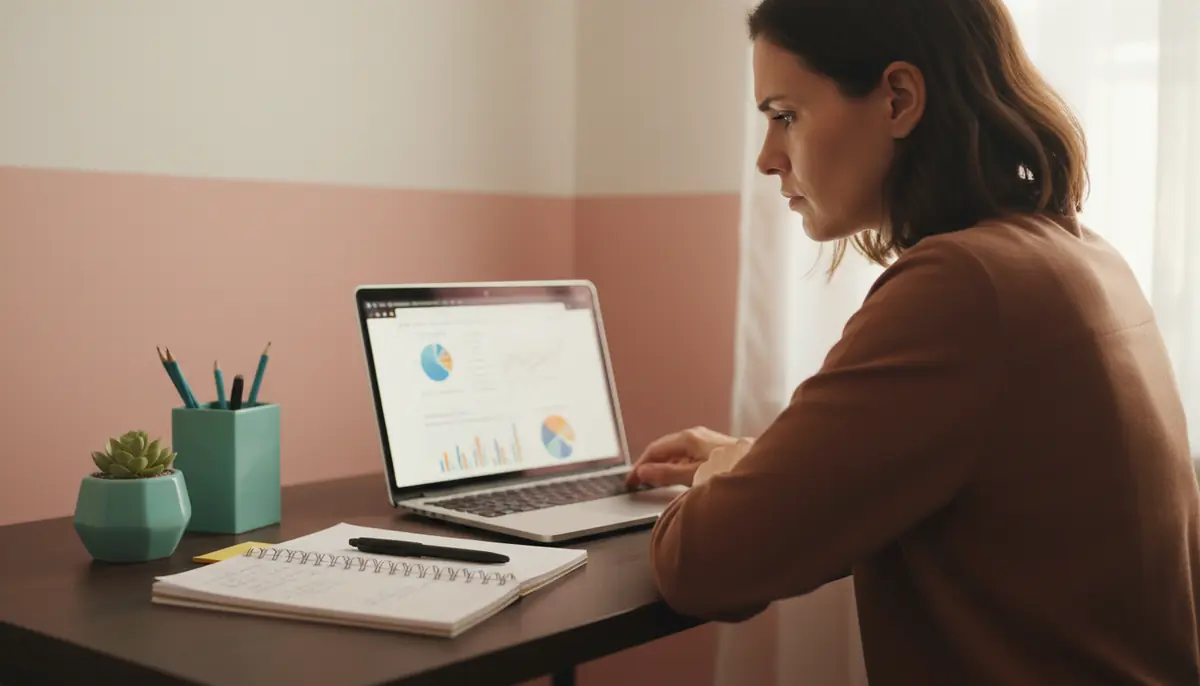
You’ve launched your website. You’re proud of it. Weeks go by — and the enquiries don’t come. You Google your own services and your site is nowhere. Your competitors are on page one. You’re on page three.
I see this more than I’d like to admit. The site looks fine on the surface, but there are problems underneath stopping people from finding it. And these problems aren’t obvious unless you know where to look.
Here are the five I see most often.
Mobile visitors get a broken experience
More than 60% of your website visitors arrive on a phone. If your site doesn’t work well on mobile devices, you lose those customers before they read a single word.
Google knows this. Since 2019, Google ranks your site based on how it performs on mobile, not desktop. A site that looks great on your laptop but fails on phones will struggle to rank, no matter how good your content is.
The problem: text too small to read, buttons too close together to tap, images that don’t resize, horizontal scrolling. People don’t put up with that. They leave.
Test your site on your phone right now. Can you read the text without zooming? Can you tap the contact button easily? Does the navigation menu work? If any of those answers are no, you need a mobile-responsive design that adapts to screen size.
Your site loads slower than your competitors
Page speed matters for two reasons. First, visitors leave if your site takes more than three seconds to load. Second, Google ranks faster sites higher than slow ones.
The culprit is usually images. A single unoptimised photo can add five seconds to your load time. Business owners upload images straight from their phone without resizing them, and those massive files drag down the whole site.
Compress and resize images before uploading. Your hero image doesn’t need to be 4000 pixels wide — 1200 pixels works for most sites and loads in a fraction of the time. TinyPNG is a free tool that shrinks file sizes without any visible quality loss.
Another quick win: check your web host. Budget hosting might save you $5 per month, but if your site loads slowly because servers can’t handle the traffic, that $5 costs you customers.
Your contact details are buried or missing
Sounds obvious, but I’ve reviewed dozens of small business websites where finding contact information is harder than it should be. The phone number is in tiny text at the bottom. The contact form is hidden under three menu layers. The business address doesn’t exist anywhere on the site.
When someone decides they want to work with you, they want to contact you now. If they can’t find your details in five seconds, they’ll go find someone who makes it easier.
Google cares about this too. It looks for contact information as a trust signal. Sites with clear business details and addresses rank better than sites where this information is hidden.
Put your phone number and email in the header of every page — not just the contact page. Add a contact button in your navigation. If you serve customers in person, your address and a map should be on the contact page too.
Your site doesn’t tell visitors what you want them to do
You know what action you want visitors to take. Book a consultation. Request a quote. Download a price list. But if your website doesn’t guide people toward that action, they’ll look around and leave.
Many small business websites list services, show some photos, and hope visitors figure out what to do next. They won’t.
Every page needs a clear next step. After explaining what you do, tell people what to do. “Book a free discovery call.” “Get your quote today.” “Download our service guide.” Use buttons that stand out visually and go directly to the action.
Think about your customer journey. Someone lands on your homepage. They read about your services. Now what? Don’t make them hunt for the next step. Lead them there.
Your content doesn’t match what people search for
This is the one that costs you the most. You’ve written about your services using the language you prefer, but it’s not the language your customers type into Google.
A Brisbane florist might write “bespoke floral arrangements for celebrations” when customers search “wedding flowers Brisbane”. A wellness coach might say “holistic lifestyle transformation” when people search “health coach Brisbane”. The gap between your words and search terms means Google won’t show your site to people looking for exactly what you offer.
Start by researching how people actually search. Use Google’s autocomplete, check competitor websites, and look back through your own enquiries to see how customers describe what they need. Then use those exact phrases in your page titles, headings, and content.
Focus on location-based searches. If you serve Brisbane, say “Brisbane” throughout your site. “Web designer Brisbane bayside” will rank better than “professional digital design solutions” for someone searching locally.
Need a hand fixing these?
You can tackle most of these yourself. But if you’d rather have someone look at your site and tell you exactly what’s wrong, that’s what I do. I’ll check your site on mobile, test your load speed, review your content against what people actually search for, and tell you where the gaps are.
If your website isn’t bringing in the enquiries you expected, book a discovery call and we’ll figure out what’s going on.