
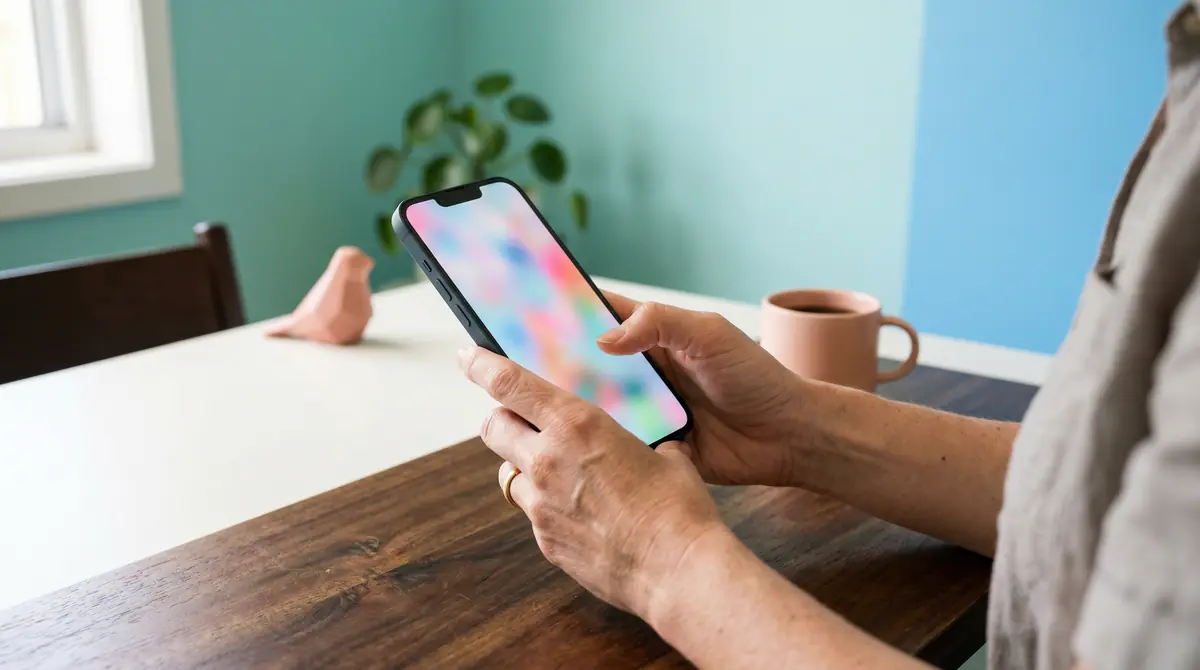
Most people who land on your site will do it on a phone. People look up local services between school pickup and the grocery run, and they use the device in their pocket. Mobile-first design sounds technical, but at heart it means building for the small screen first, then checking that the larger view still feels complete. You do not need to become a developer to get quick wins. A few focused changes can make your site calmer on a small screen and easier for visitors to trust.
What “mobile-first” means in plain English
When I talk about mobile-first with clients, I am talking about priority. The phone user gets clear text, buttons they can tap without zooming, and paths that do not dead-end in tiny links. Desktop still matters, especially for people who sit down later with a bigger screen, but the phone experience sets the bar. If the mobile version feels cramped or confusing, you lose people before they read your offer.
Google also uses mobile versions of pages for indexing in most cases. That does not mean you need to panic about algorithms; it means the version of your site that loads on a phone should carry your real content, not a stripped-down afterthought.
Quick wins you can check this week
Start on your own phone, not only on a laptop. Open your site on mobile data (not only Wi-Fi) and tap through like a new visitor: home, services, contact. Note where you pinch-zoom to read text or miss a button because it sits too close to another link. Those friction points are your to-do list.
Body text should stay readable without zooming. If you squint or lean in, bump the base font size or increase line spacing in your theme settings. Strong contrast between text and background matters outdoors in Brisbane glare as much as it does indoors; pale grey on white looks “soft” on a monitor and can disappear on a phone in sunlight.
Links and buttons should be easy to hit with a thumb. If your navigation packs too many items into one row, group pages under a simple menu label or move secondary pages into the footer. Fewer, clearer choices beat a crowded strip of tiny words.
Contact forms that look fine on a monitor can feel endless on a phone. Short labels, one column, and a single primary action (“Send message”) reduce abandonment. If you ask for optional details, label them optional so people do not assume they must fill every box.
Large photos slow phones on patchy signal. You want images that look sharp without forcing the browser to download files meant for print. If your site platform handles resizing, use it; if you are unsure, ask whoever manages the site to run a pass on file sizes for key pages.
Your business name, what you do, and how to contact you should sit high on the small screen so the first view answers “Am I in the right place?” Supporting detail can sit lower. You are sequencing content for someone who is one thumb away from leaving.
When it helps to bring in a designer
DIY checks catch a lot. Sometimes the layout fights the template, or the brand needs a proper pass so mobile and desktop feel like the same business. That is where a structured process (research, design, build) saves time: you build from what you learn about visitors instead of guessing.
If you are ready to create a website that works for your business on every screen, or you have a question about your site, get in touch. I will set up a discovery call if that is the next step.